 skyfleet
Work from your phone
Start an agent from the dashboard and chat with it in the Claude app.
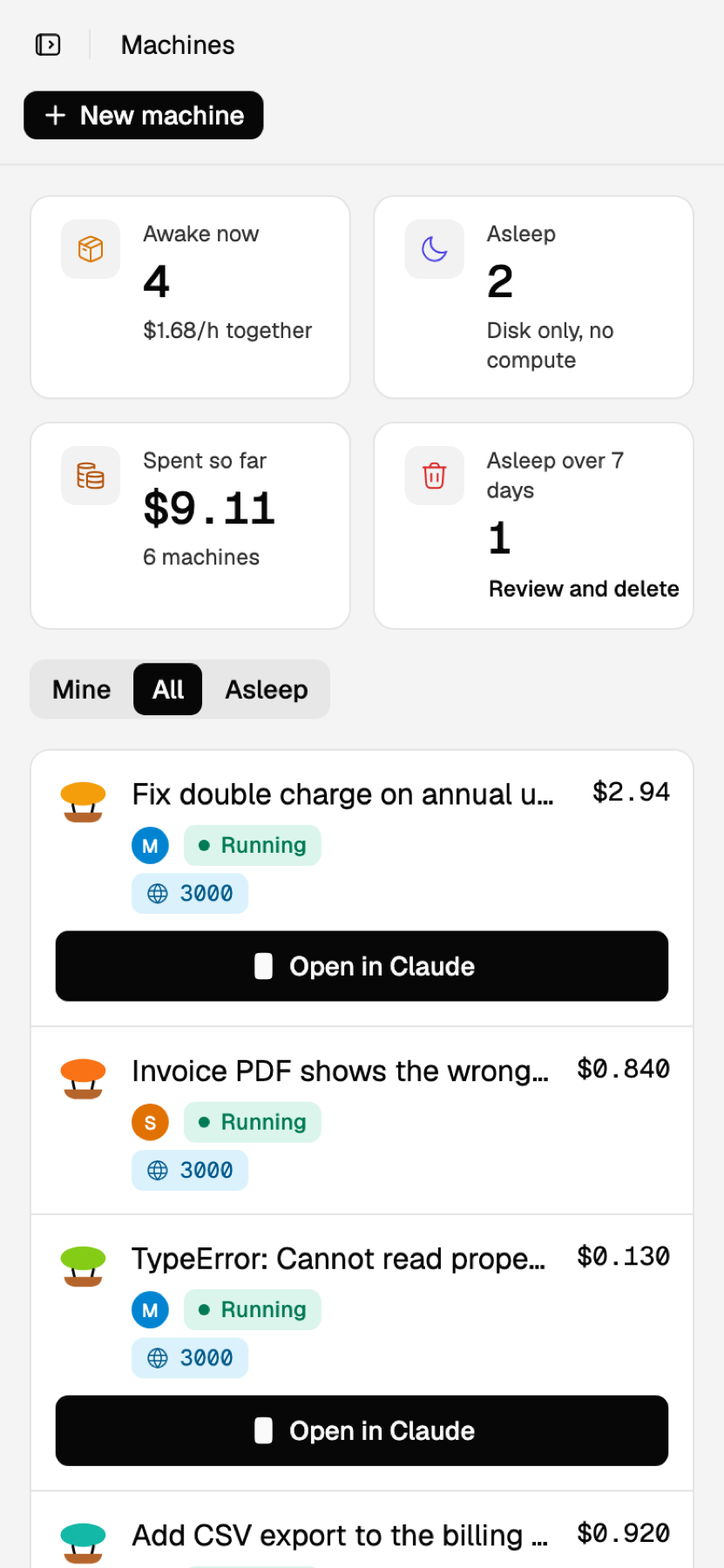
Tap New machineReady in about 15 secondsChat in the Claude app
Set it up
- Open the dashboard and add it to your home screen. It opens like an app.
- Open Machines at the bottom of the menu, tap New machine and pick an environment.
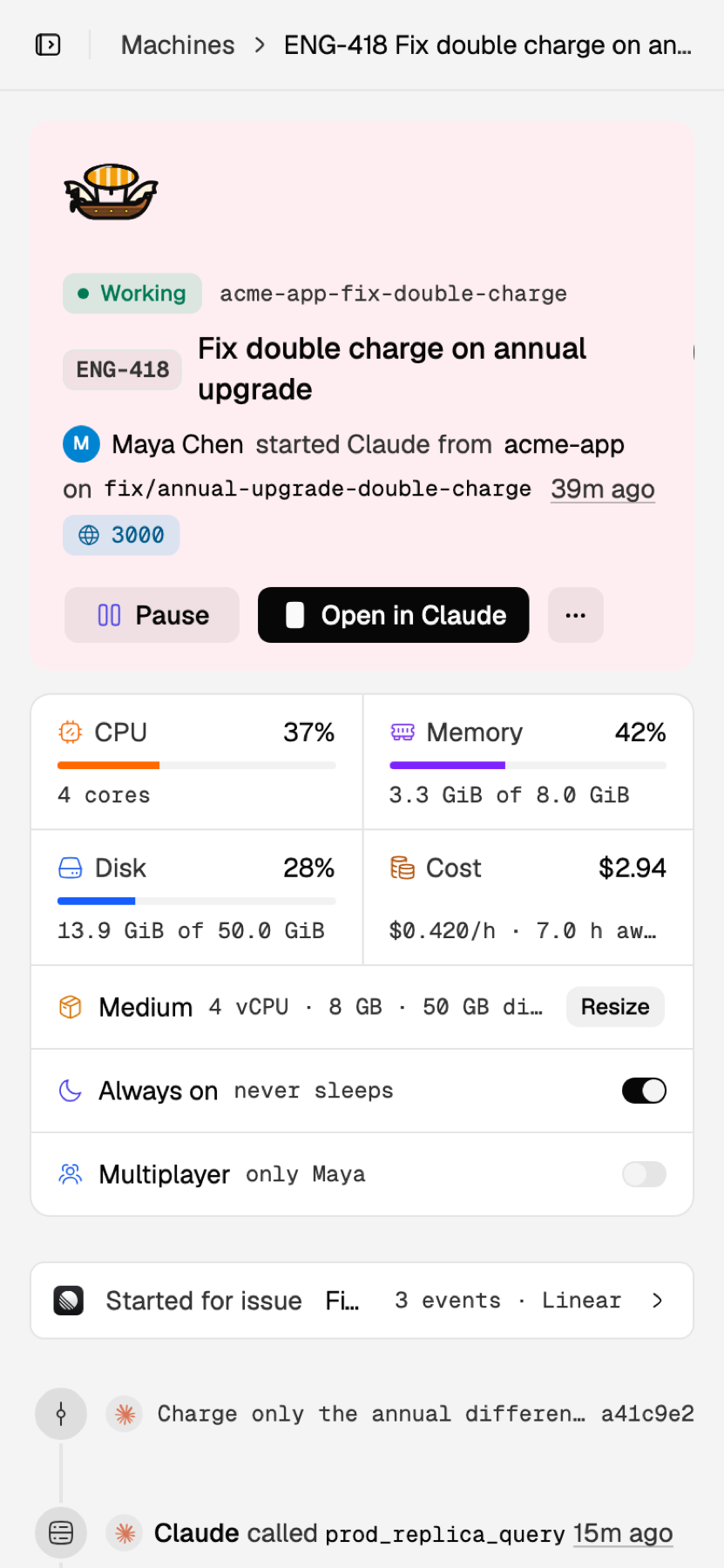
- Tap Open in Claude and say what you'd like done. You'll also find the agent on claude.ai/code under its name.
To hand off work without chatting, tap New task in the Inbox instead and say what to do. The agent reports on its issue, usually with a pull request.
Is it asleep?
The Claude app can't wake an agent. Press Resume on the dashboard first.