 skyfleet
Webhooks
A link that starts an agent with your prompt and whatever you send it.
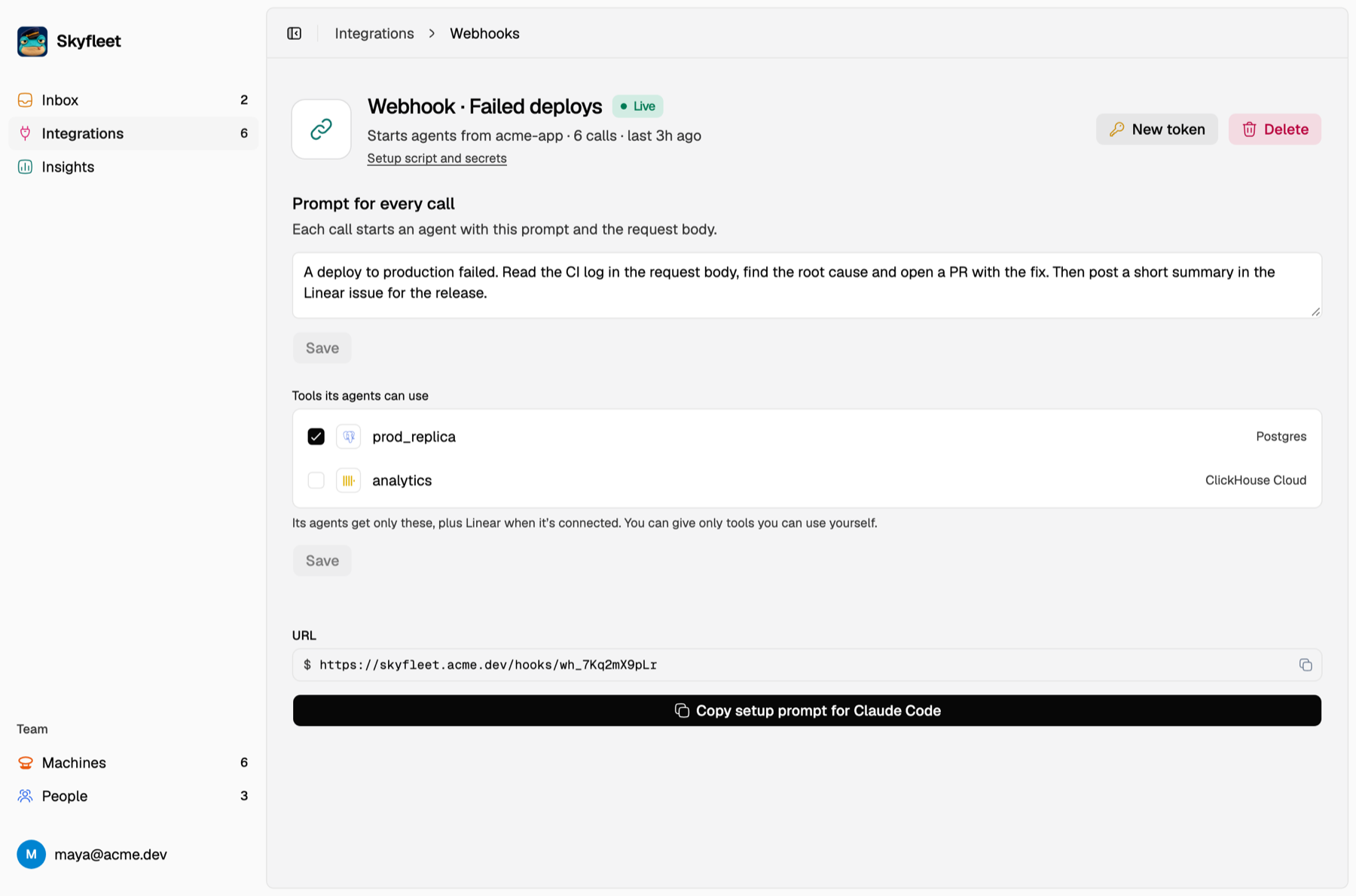
Go to Integrations → Webhooks → Create and give it a name, an environment and a prompt. Skyfleet shows you the link and a secret token. Save the token, because you'll only see it once.
curl -X POST https://<your-server>/api/v1/webhooks/<id> \
  -H "Authorization: Bearer $WEBHOOK_TOKEN" \
  -H "content-type: application/json" \
  -d '{"error": "TypeError: ...", "route": "/checkout"}'
Every call starts a new agent on the account the webhook runs on: the team bot or the person who picked their own. It reads your prompt first, then whatever you
sent as extra context. The answer is 202 {"box": "<name>"}.
A few tips:
- Keep the token in an environment variable, never in your code.
- Send it and move on: use a short timeout and don't wait for the agent.
- Send each event once. There's no queue, so every call is a new agent.
- Send what the agent needs, like the error, stack, route or commit, and never your users' data.