 skyfleet
Quickstart
From zero to your first agent in about a minute.
Sign in
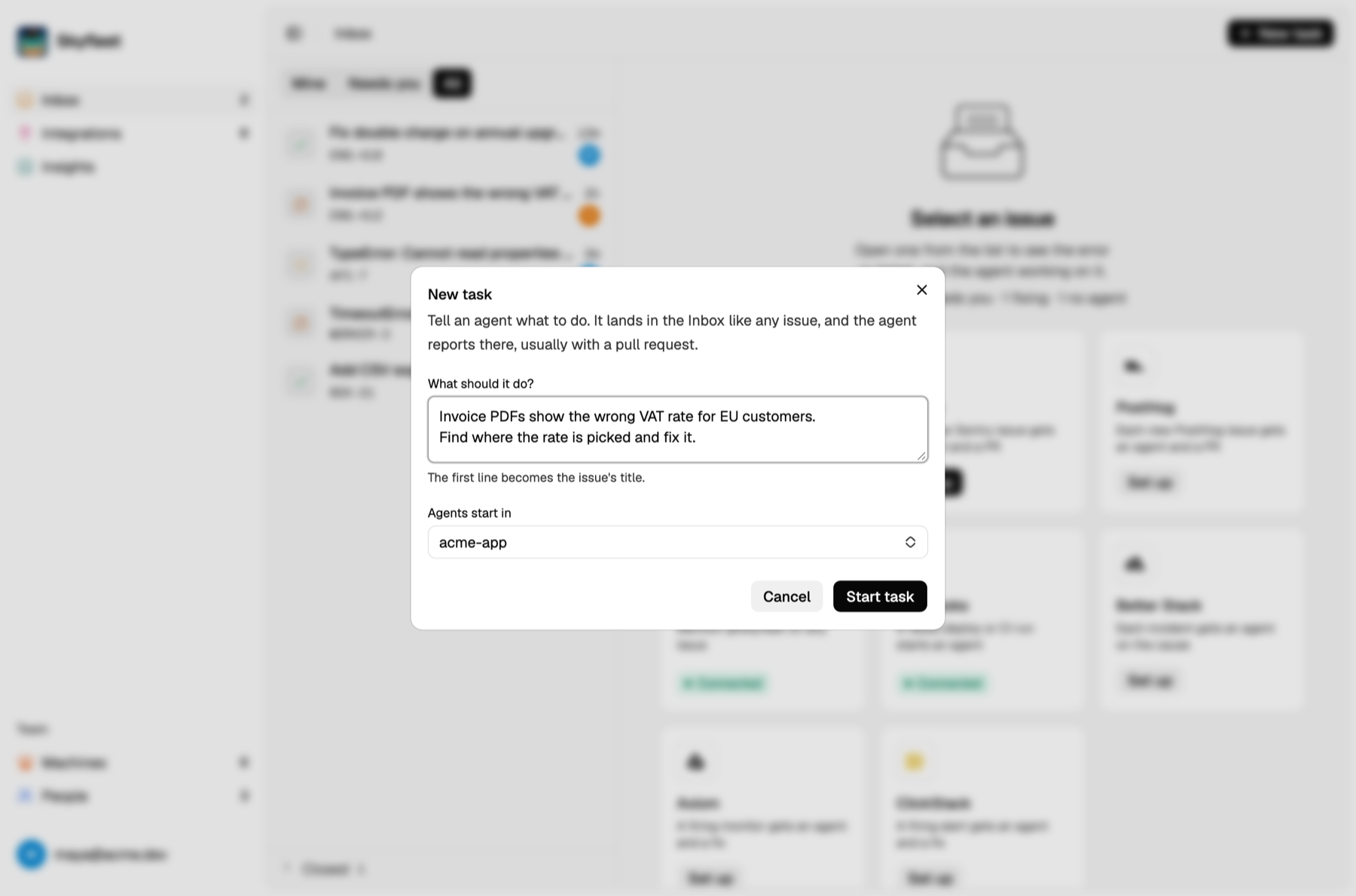
Sign in to the dashboard with your password or an email code, whichever your team uses, and press New task in the Inbox. The first time, it asks you to sign in to Claude and connect GitHub. You only do this once, and from then on every agent works as you.
Pick an environment
An environment is your repo, ready to go. Your team probably has one already. If not, pick From a repo under New machine on Machines, or run skyfleet in your repo, and Skyfleet
makes one for you.
Start your agent
npm i -g @abuaboud/box
cd ~/your-repo && skyfleet
Claude opens right there in your terminal, with a cloud machine doing the heavy lifting.
Look at it, then ship it
Run the app and give me a preview link. When I say it looks good, open a PR.