 skyfleet
Databases
Connect Postgres, ClickHouse Cloud or Convex, and choose who on your team can use it.
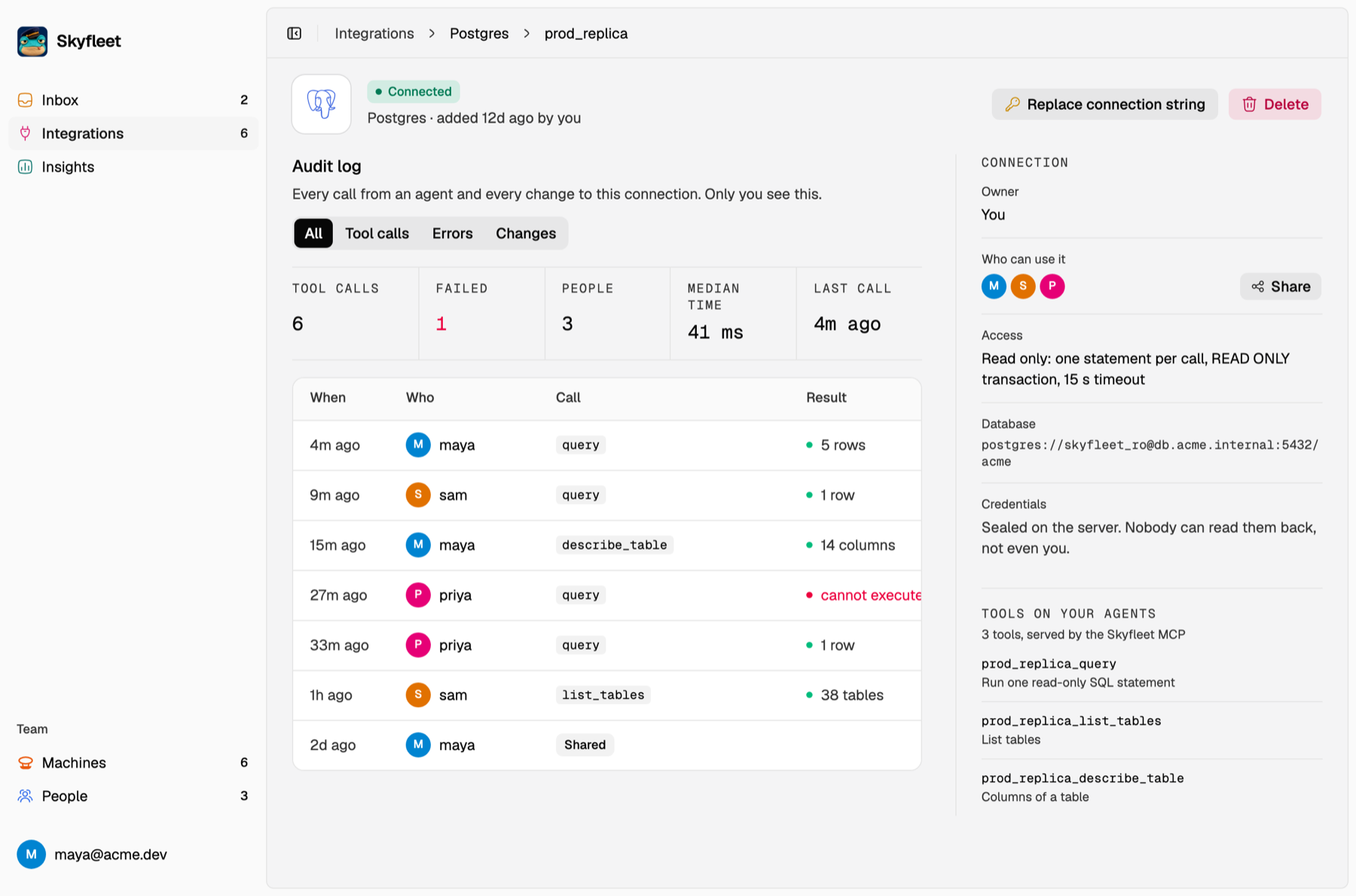
Everyone on the team sees every connection. Whoever adds one chooses who can use it: the whole team, or only the people they pick. The rest see it dimmed and can ask the owner for access. The password lives on the Skyfleet server, and agents reach the database through MCP, so they never see it. Every query shows up in the connection's audit log.
Paste a connection string from RDS, Aurora, Cloud SQL, Neon, Supabase or your own server. Skyfleet tests it before saving.
- Agents can only read. Each query runs in a read-only transaction, stops after 15 seconds and returns at most 1,000 rows.
- Skyfleet won't accept a superuser or a private address. Create a read-only user instead:
CREATE ROLE skyfleet_ro LOGIN PASSWORD '…';
GRANT USAGE ON SCHEMA public TO skyfleet_ro;
GRANT SELECT ON ALL TABLES IN SCHEMA public TO skyfleet_ro;
ALTER DEFAULT PRIVILEGES IN SCHEMA public GRANT SELECT ON TABLES TO skyfleet_ro;- If your database has a firewall, allow the Skyfleet server's IP address.